
NFC Desk Plaques & Geofenced Time Clocking: Complete UK SME Guide
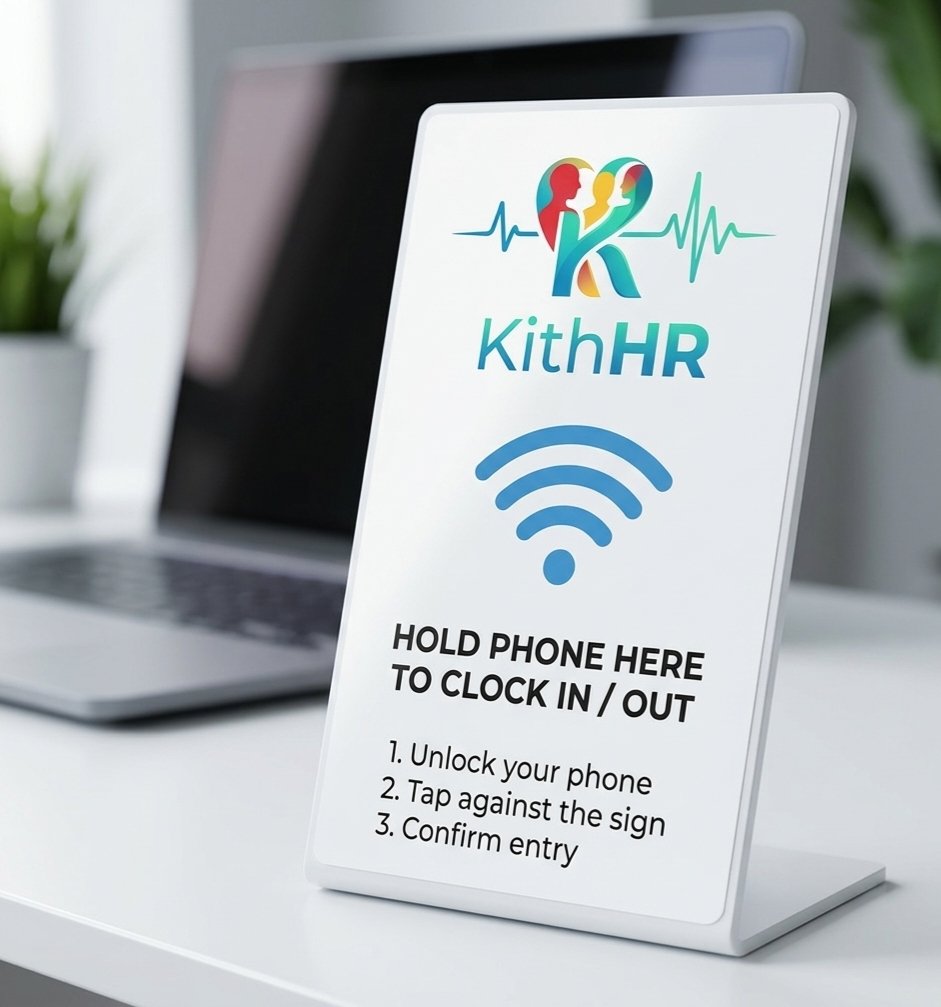
Quick Answer (NFC Clock-In Summary): NFC (Near Field Communication) desk plaques are compact, battery-free physical discs placed at job sites, reception desks, or staff entrances. Employees tap their phone or tablet against the plaque to register an instant, fraud-proof timestamp. Unlike £500+ biometric fingerprint scanners, NFC plaques cost under £10, require no wiring or maintenance, and comply 100% with UK GDPR data privacy rules.
1. Why UK Businesses Are Switching to NFC Plaques
For decades, preventing timesheet fraud meant buying bulky wall-mounted punch clocks or intrusive biometric fingerprint scanners. Today, NFC technology delivers superior fraud protection at a fraction of the cost:
Works with any standard Android or Apple smartphone or tablet. No expensive electrician installation or wall mounting required.
NFC chips only trigger when a device is held within 4cm. Workers cannot clock in from their car, down the street, or from home.
Avoids Information Commissioner's Office (ICO) biometric enforcement notices. Zero biometric fingerprints or facial vectors stored.
2. Clocking Hardware Comparison: NFC vs Fingerprint vs App
| Feature / Factor | NFC Desk Plaque | Biometric Wall Clock | GPS Mobile Only |
|---|---|---|---|
| Hardware Cost | £5 – £15 per plaque | £400 – £1,200 + install | £0 |
| Buddy Punching Protection | High (Physical Presence) | High | Moderate (GPS drift) |
| UK GDPR Complexity | Zero (Standard Data) | Extremely High (Biometric DPIA) | Standard Data |
| Offline Resilience | Full offline cache | Device dependent | Full offline cache |
3. Setting Up an NFC Clock-In Station in 3 Minutes
Affix Plaque at Site Entrance
Stick the waterproof adhesive plaque on your reception desk, site cabin entrance, or staff breakroom wall.
Assign Location in KithHR Dashboard
In Settings > Locations, tap 'Add Site Plaque' to pair the NFC serial code with your workplace address.
Tap & Go Attendance
Employees tap their smartphone or tablet against the plaque to start their shift. Timesheets update in real-time.
Frequently Asked Questions
What happens if site Wi-Fi or cellular signal drops?
KithHR features offline timestamp queuing. When an employee taps the plaque without internet, the attendance event is encrypted and stored locally on the device, syncing automatically to the cloud as soon as a connection is restored.
Can I also use PIN codes on a shared tablet?
Yes! KithHR allows hybrid verification. You can place a single tablet in Kiosk Mode at the reception desk so staff without smartphones can punch in using a secure 4-digit PIN.
Eliminate Time Theft Without Expensive Hardware
Get started with KithHR today. Free for up to 15 employees with PIN tablet kiosk, GPS site geofencing, and NFC support.